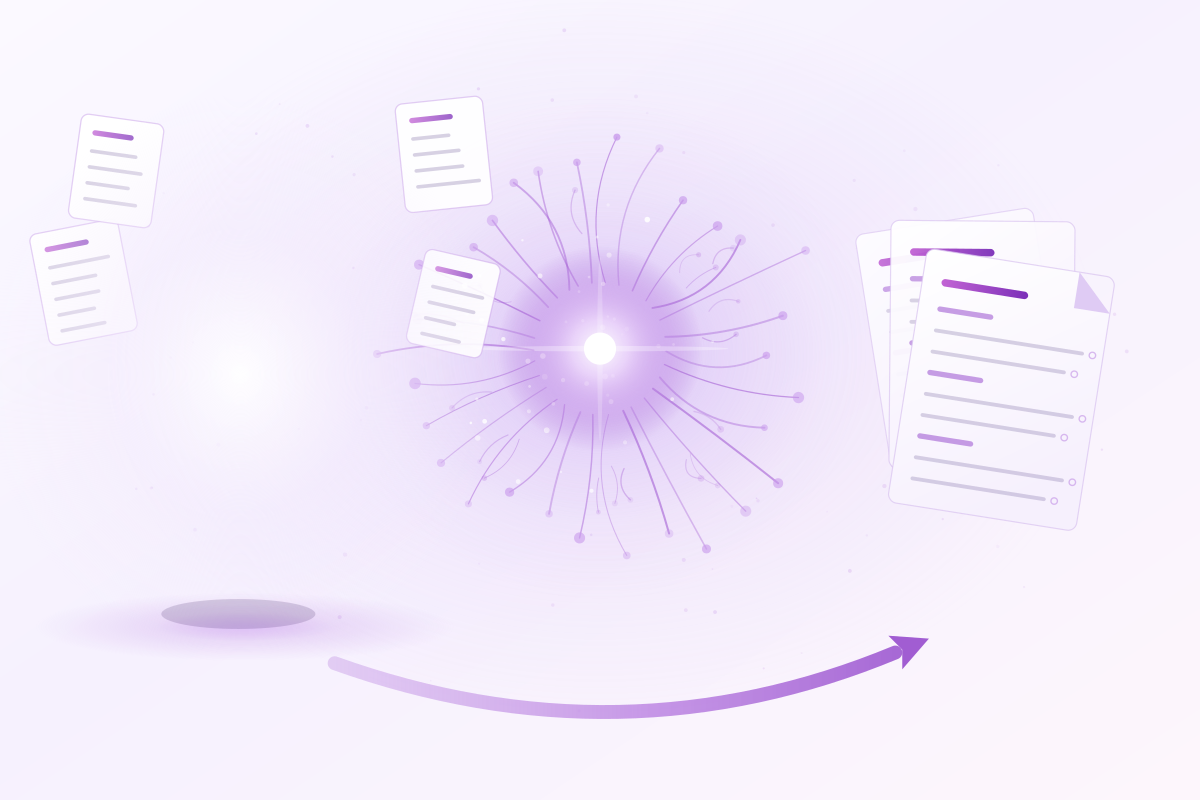
Develop professional and academic documents directly from your thinking space — your Obsidian notes become structured, publication-ready work without ever leaving your thinking flow.
✓ Free to get started · No credit card required
Conversion runs in your browser. A Microsoft account is only needed for the full version and OneDrive — we receive your name and email, never access to your files. · Learn more about permissions
Everything you need to go from scattered notes to a polished, professional document — without the friction.
Write freely in Obsidian without worrying about formatting. Links, structure, and layout are handled automatically — so you stay in your creative flow.
Your folder structure maps directly to your document. Each note becomes a section — reorganizing your work is as simple as reordering your notes in the file explorer.
Embed references, sketches, and materials in Obsidian for easy access — without cluttering your final document. Ideal for collaboration and research workflows.
From your first note to a finished professional document — no LaTeX knowledge required.
Use your familiar thinking space. Structure your content naturally — folders become chapters, notes become sections, and your Flexplorer order defines the sequence.
One click converts your Markdown content into clean, structured LaTeX code — links, figures, tables, and formatting handled automatically.
Open directly in Overleaf, compile via GitHub Actions, or download the files to use a LaTeX compiler of your choice.
Two short demos showing how Obsidian notes become professional documents in just a few steps.
| Level | Prefix | Postfix |
|---|---|---|
| \part | ||
| \chapter | ||
| \section | ||
| \subsection | ||
| \subsubsection | ||
| \paragraph | ||
| \subparagraph |
Second Brain/Thesis). Obsitex derives the vault from it. Enables Quick Convert — skips the wizard and converts that folder directly.